
Introduction
Highlight clips are short video assets that were generated based on a longer video. Clips can be generated from any Motto live-stream or VOD. The clipping feature can generate a new video asset from a moment in the original video, such that you are able to download an mp4 file. Optionally, it can also generate a new video and playlist for you, so that it can be played by your viewers in any video player. Highlight clips also work in tandem with the stitching feature, which allows you to create a a single video from a collection of clips.Get Started
Generating a highlight clip via the Studio’s Video Manager is an indirect operation. Rather than indicating which exact parameters should be used for creating a clip, you simply annotate (or: tag) your video by indicating what happens at certain points in your video, and let the system figure out what kind of clip should be generated based on this information. For example, if you indicate that a “Goal” just happened, the system may be pre-configured to generate a clip that starts 20 seconds before the goal and ends 20 seconds after the goal. A benefit of this approach is that these video tags can be used in other contexts as well (e.g. to draw a goal inlay in your stream, or trigger a webhook call to your OTT website/app to update the UI accordingly).How to annotate
Before you can annotate your video, your project needs an annotation set with annotation types, and those annotation types must be configured to create clips. See annotations and actions for more information.
- Go to the Video Manager and select the video you want to annotate.
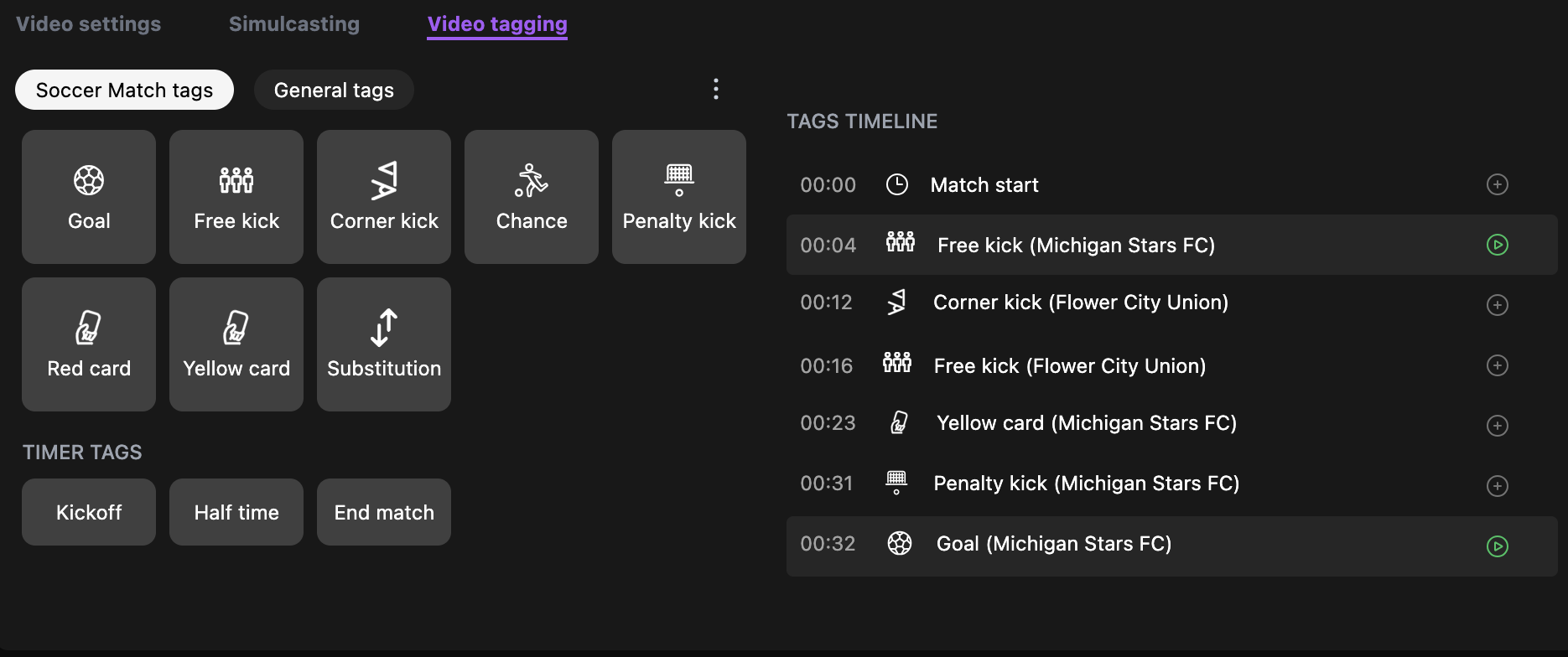
- Switch to the “Video tagging” tab.
- Click any of the tag buttons to add a tag to the video at the current time of the video player. The kinds of tags that are available are fully configurable; they are not bound to the kinds shown below. Please reach out for help with setting up different kinds of tags.