

Introduction
Concurrency control allows you to limit how many devices can simultaneously stream content from a single viewer account. This is a common requirement from rights holders who want to prevent credential sharing on paid content. Concurrency control only works in combination with entitlement verification. The allowed number of concurrent devices is defined on the offer that a viewer buys.Get Started
You can get started using the Motto Studio, which we recommend for non-technical users. Alternatively, you may get started by using the Studio API.Via the Studio
Via the Studio
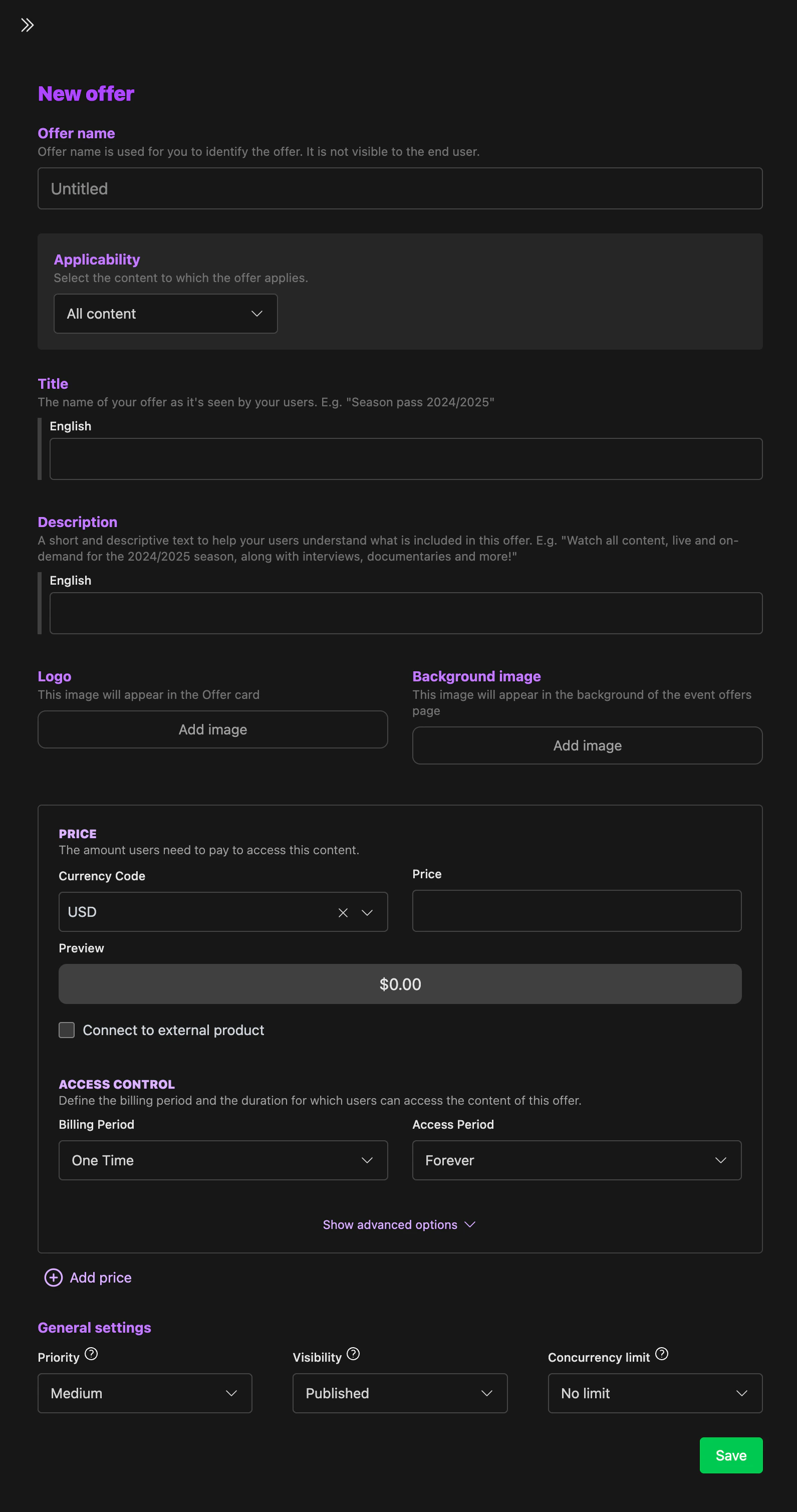
- Navigate to Monetization → Offers in the Motto Studio.
- Create a new offer or edit an existing one.
- In the offer configuration, set the concurrency limit to the desired number of simultaneous streams per account.
- Make sure concurrency control is enabled on your video protection ruleset.
Via the API
Via the API
- Create or update an offer and set the concurrency limit field to the desired number of simultaneous streams.
- Enable concurrency control on your video protection ruleset.
Concurrency control can be toggled on or off on the ruleset at any time. The actual limit is always determined by the offer the viewer has purchased.
Next Steps
- Entitlement verification — control which users can access paid content
- Target selection — scope your rulesets to the right content